Features
Four jobs, shown on the actual screens
Software for the trades earns its keep in exactly four places: getting the right tech to the right job, quoting work that wins, getting paid without chasing, and keeping the customer informed. Here's how FieldOps does each: mockup included, no imagination required.
Scheduling & dispatch
Every truck's day, on one board
Drag a job onto a tech and it lands on their phone with the address, history and gate code attached. No group text, no whiteboard photo at 6:45 am.
- Drag-and-drop board by tech or by time: reshuffle a rained-out day in seconds
- Recurring jobs (maintenance agreements, monthly accounts) schedule themselves
- Route view puts jobs in drive order; Pro optimizes the whole day automatically
- Techs see only their day; office sees everyone's, with live status colors
Quoting & invoicing
Quote options, win bigger jobs
Good-better-best quotes let the customer upsell themselves: shops that switch see average tickets rise without a single pushy pitch. Approved quotes convert to jobs, then to invoices, in one tap each.
- Build quotes from your own price book: no retyping line items in the truck
- Customers approve online with a signature; the quote becomes a scheduled job
- Invoice auto-fills from the job's line items: send it before you leave the driveway
- Automatic, polite follow-ups chase the unpaid ones so you don't have to
Payments
Get paid on the driveway, not in 23 days
Tap-to-pay in the app, text-to-pay links, card on file for repeat customers and ACH for the big commercial invoices. Money lands next business day.
- Cards 2.9% + 30¢, ACH 1% capped at $10: flat, published, no monthly minimum
- Card on file: charge the agreed amount when the job's done, receipt texts itself
- Deposits on quotes hold the slot and pre-fund the equipment order
- Next-day payouts standard; instant payouts on Pro when cash flow is tight
Customer communication
The texts that stop the no-shows
Booking confirmations, day-before reminders, on-my-way texts with a live tracking link, and a review request when the job closes. All automatic, all from your number.
- Two-way texting from the office: customers reply to a number they recognize
- Missed-call text-back answers in seconds while the caller is still deciding
- On-my-way texts with tech name, photo and ETA cut the 'where are you?' calls
- Review requests go out only after a job is marked done and paid
And the rest
The small stuff that isn't small
Works offline
Basements and new builds have no signal. The app syncs when you're back on the grid.
Job photos & notes
Before/after photos attach to the job forever: the warranty argument ender.
Customer history
Every visit, quote, photo and invoice for an address, one tap from the job.
Price book
Your flat-rate book with your markups: updated once, correct in every truck.
Timesheets
Clock in on first drive, out after last job. Payroll export takes minutes.
GPS breadcrumbs
See where trucks are now: for dispatch decisions, not surveillance theater.
Custom checklists
Your 14-point tune-up, enforced on every job. Skipped steps get flagged.
Service agreements
Memberships bill themselves and auto-schedule the spring and fall visits.
Job costing
Labor, materials and hours against each job so you learn which work actually pays.
Reporting
Booked vs. completed, revenue by tech, unsold estimates: the Monday-morning numbers.
Spreadsheet import
Bring customers and price book over from spreadsheets or another app. We do it with you, free.
Roles & permissions
Techs see their jobs, not your P&L. Office staff see what their role needs.
Where it actually runs
Tested on ladders, in crawlspaces, at panel boxes
Every feature above ships in the mobile app first, because that's where the work happens. Offline mode, three-tap job closing, photo capture with a thumb, if it doesn't survive a Tuesday in the field, it doesn't ship.
See it on your phone: book a demo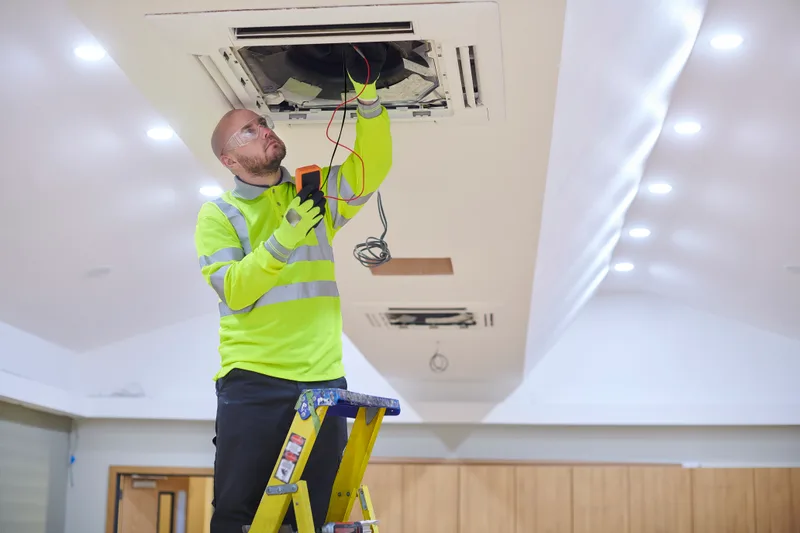
Which plan has what?
The full comparison table lives on the pricing page: along with our honest advice about which tier you don't need yet.