Video Conferencing Marketing Agency From “zoom alternative” search to paying, renewing customers.
We run the site, the ads, the SEO, the AI-search visibility, and the onboarding email.
- Ads that catch someone the moment they're comparing you to Zoom, Teams, or Meet
- Landing pages that get calendar sync, SSO, and room-hardware compatibility answered before IT opens a ticket
- Every trial and demo traced back to the exact page and keyword that produced it
Prefer to talk? (519) 930-8818 — a strategist, not a sales script.

-
Searched “zoom alternative”
Started comparing platforms
-
Booked a live demo
Or started a free trial
-
Held a first real meeting
Became a paying account
One team running the whole engine.
- Website
- Paid Acquisition
- SEO & Content
- AI Search
- Lifecycle Email
- Reviews
- in setup costs, cancel anytime
- $0 in setup costs, cancel anytime No contract and no setup invoice — and if you're not happy in the first 30 days, you don't pay for that work at all.
- the metric we're actually judged on
- Demos the metric we're actually judged on Every visitor gets tracked through to trial signup and paid conversion, not just a click — so you always know what your video conferencing marketing is really producing.
- instead of a pile of freelancers
- 1 team instead of a pile of freelancers One team runs your site, ads, SEO, AI search, and lifecycle email together, so nothing gets lost in a handoff while you're trying to out-convert Zoom or Teams.
Results vary with your price point, trial length, and how directly a free incumbent competes on price.
Why Growth Stalls
Meetings ship. Trials still don't turn into paying seats.
A video platform good enough to win a bake-off can still lose to Zoom on habit alone.
-
You're competing with an app that's already free
Most evaluators already have Teams or Meet included in a Microsoft 365 or Google Workspace plan they're paying for anyway.
-
The shortlist gets built on G2, not your pricing page
Most video conferencing evaluations start on G2, Capterra, and TrustRadius, or inside an AI assistant's answer, long before anyone opens your site.
-
A booked demo stalls the moment IT starts asking questions
Rolling out a new meeting platform touches SSO, calendar sync, meeting-room hardware, and — if there's a phone component — E911 compliance.
-
Half the team never stops opening their old app
An account can be fully paid for and licensed and still fail, if half the company keeps defaulting to whatever's pinned to their taskbar out of habit.
Your growth engine
More trials, demos & renewals, from five channels working off the same data.
-
Website & CRO
Evaluators to signups
-
Paid Acquisition
Google Ads
-
SEO & Content
Wins “zoom alternative” search
-
AI Search (GEO)
Recommended by AI search
-
Lifecycle Email
Trials to renewing accounts
More trials, demos & renewals
Paid Acquisition (PPC)
Paid acquisition for video conferencing software. Catch them before they pick Zoom again.
We put Google Ads in front of people typing “zoom alternative” or comparing platforms by name, send them to a landing page that already answers the calendar-sync and room-hardware question IT would otherwise email about, and track every signup back to the exact ad that produced it.
- Keywords built around real switching moments — “zoom alternative,” “[competitor] pricing,” “[competitor] vs [competitor]”
- Landing pages that lead with calendar/SSO integration and room-hardware support, not just a feature list
- Every free trial and demo request traced back to the exact keyword that produced it
Sponsored
yourvideoapp.com
The Video Conferencing Platform Teams Actually Stick With
Reliable HD video, screen share, and meeting recordings in one place. Start a free trial or book a live demo — no credit card needed. Works with the calendar you already use.
- Pricing
- Start Free Trial
- See a Demo
See a live demo
competitor-videoapp.com
VideoConf Cloud — Start Your Trial
-
Your business
You- Reviews
- Directions
- Call
-
Nearby competitor
- Reviews
- Directions
- Call
-
Nearby competitor
- Reviews
- Directions
- Call
Organic & Marketplace Visibility
Organic & marketplace visibility. Show up before the comparison page does.
A video conferencing buyer reads three kinds of pages before they ever request a demo: search results, a G2 or Capterra comparison, and lately, whatever an AI assistant says back.
- Rankings for “zoom alternative,” “teams alternative,” and every comparison search your category runs
- Use-case pages built around real buying criteria — reliability, room hardware, compliance, price per seat
- A G2 and Capterra profile strong enough to hold its own next to RingCentral or GoTo
High-Intent Visibility
The exact words someone types before they switch video tools.
Somebody who's ready to leave Zoom or Teams doesn't wait for a sales call — they type it into Google or ask an AI assistant directly.
Page one of Google & Bing
Real search terms a switching buyer types — what our pages, ads, and content are built to rank for.
- best video conferencing software
- video conferencing software for business
- zoom alternative
- [competitor] alternative
- video conferencing software pricing
- ucaas platform comparison
- [competitor] vs [competitor]
- video conferencing software with webinar features
- video conferencing software comparison
- best video conferencing app for small business
- video conferencing software free trial
- enterprise video conferencing platform
Google Search · Bing Search
Recommended by AI search
Ask ChatGPT or Gemini for a Zoom alternative today and it already has an opinion — we work to make sure that opinion includes your platform.
- “What's the best video conferencing software for a small business?”
- “Recommend a zoom alternative for a 50-person team.”
- “What are the best alternatives to [competitor]?”
- “Which video conferencing platform integrates best with Google Calendar?”
- “What's the most reliable video conferencing software for large webinars?”
Google Gemini · ChatGPT · Claude (Anthropic) · Google AI Overviews · Perplexity
Consider this a starting sketch — your real keyword and prompt list gets built from your actual product, buyers, and named competitors, and both rankings and AI visibility take a few months before they compound.
Lifecycle Email
Lifecycle email for video conferencing software. Get every signed account to its first real meeting.
An account you've already signed is the easiest revenue you'll ever grow — but only if someone on that team actually holds a meeting on it.
- Setup flows that connect a calendar and provision a meeting room in the first session
- Nudges aimed at the teams still opening Zoom out of habit, not just the admin who signed
- Seat-expansion emails timed to when a growing team actually needs more licenses
-
Welcome — see you on your first call
Your account's set up. Connect your calendar and get your first meeting on the books.
Onboarding -
Almost there — invite your team
Finish setup and get everyone their first calendar invite from the new platform.
Activation -
Growing? Add seats before your trial ends
Bring the rest of your team on before your trial wraps up.
Upgrade
Proof, not promises
See exactly what each channel actually produces.
One dashboard tracks a visitor from first click through trial, demo, and paid conversion, so you always know your real CAC and which channel earns the next dollar.
Pipeline & Signups Every signup captured and routed instantly
The instant someone requests a demo or starts a trial, we log which page, keyword, or ad sent them, and push it straight to whoever owns that lead.
Source-level attribution on every signup
Every demo and trial request carries the campaign, keyword, or page that produced it, so you can put more budget behind what's actually filling the pipeline and pull it from what isn't.
Lands straight in your CRM
Demo requests and trial signups flow into Salesforce, HubSpot, or whatever your team already runs.
CAC & LTV What a paying customer actually costs
Once someone converts to paying, we trace them straight back to the ad, page, or organic result that started it, and roll that up into blended CAC, payback period, and LTV.
Real cost per paying seat
We tie ad spend to signups to actual paid conversions, so you can see what a customer costs you today and whether that number is heading in the right direction.
LTV, split by channel
Paid and organic get tracked as separate channels, so you can tell which one actually brings in the accounts that stick around and add seats later.
Activation & Conversion Where signed accounts actually go quiet
A video conferencing account rarely churns because the product's bad — it churns because half the team never switched over.
When accounts actually go live
Track how many signed accounts connect a calendar and actually hold a meeting in week one, where the ones that stall drop off, and which onboarding sequence produces the accounts that stick.
From demo to paying account
We follow every demo through to whether it actually converts and stays active, so you know which campaigns and nurture sequences bring in revenue that renews.
Our work
Six live sample sites. Yours gets a design all its own.
Samples from other niches
-
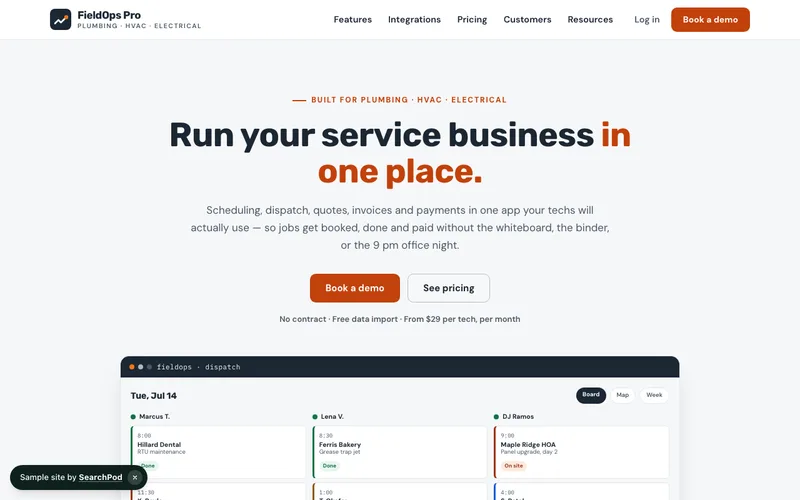
FieldOps Pro
Run your service business in one place · SaaS
Open the live demo → -
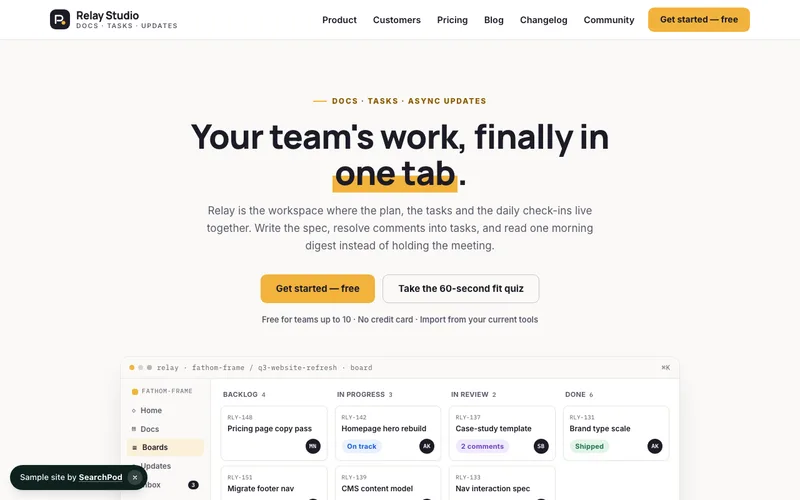
Relay Studio
Where teams ship faster · SaaS
Open the live demo → -
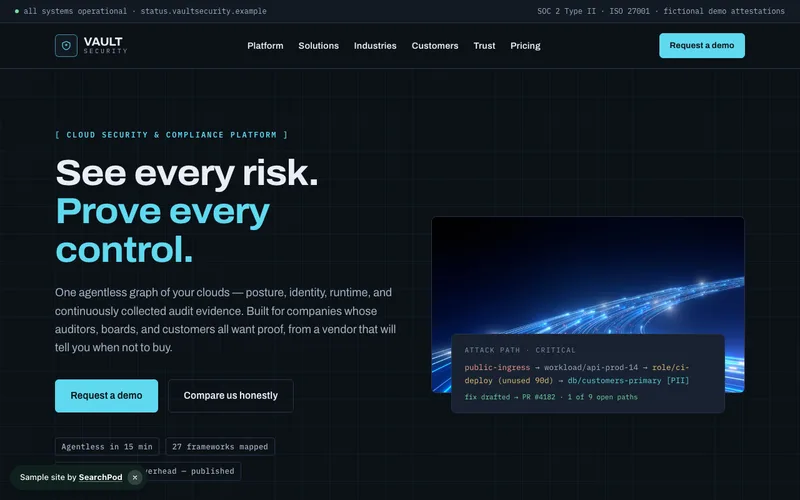
Vault Security
Enterprise-grade security, SOC 2 ready · SaaS
Open the live demo → -
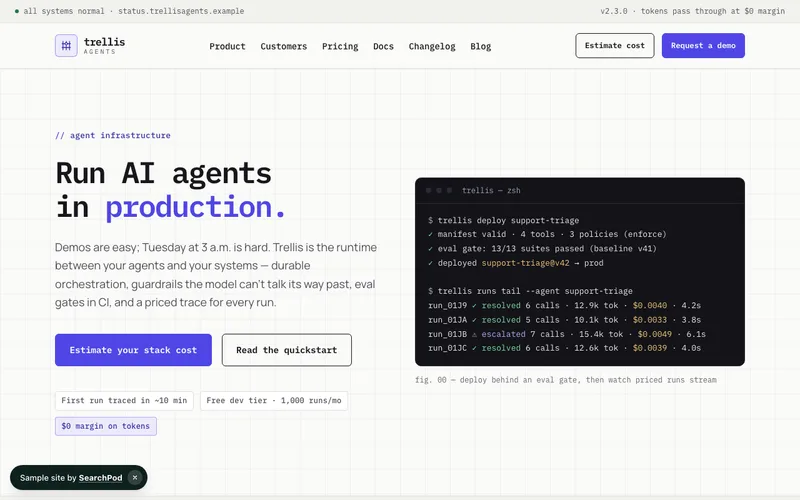
Trellis Agents
Run AI agents in production · SaaS
Open the live demo → -
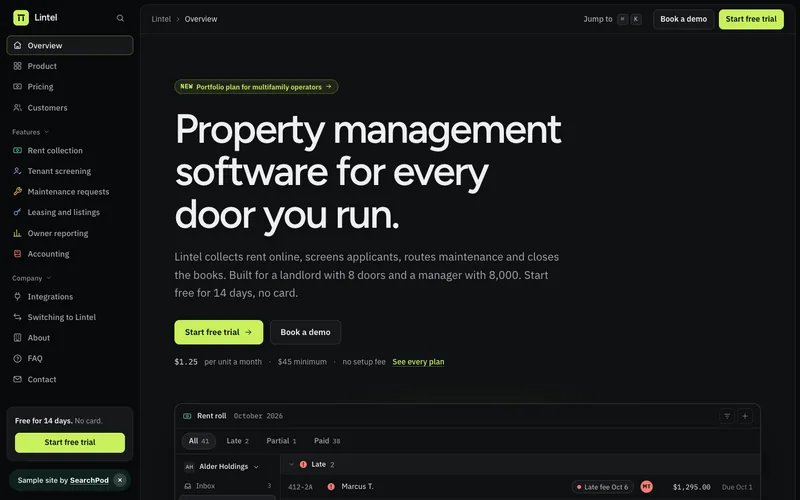
Lintel
Property management software for every door you run. · SaaS
Open the live demo → -
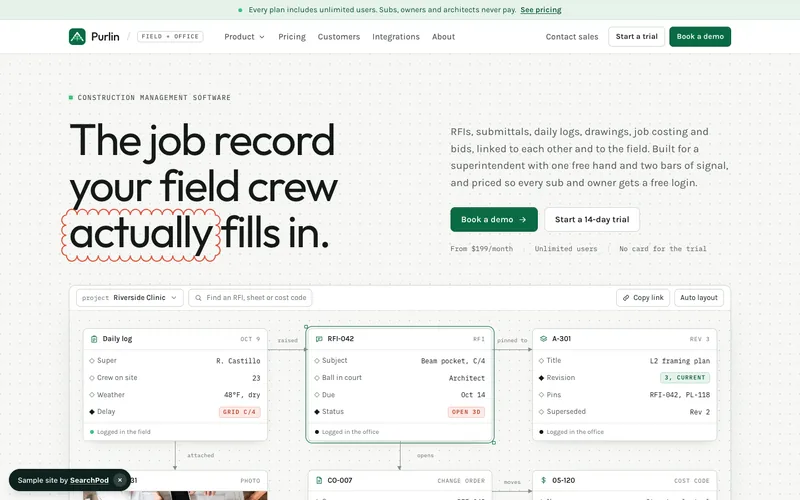
Purlin
The job record your field crew actually fills in. · SaaS
Open the live demo →
Straight answers
Marketing for video conferencing software, without the mystery
There are three line items, and none of them are secret. SEO is priced per page: $50/page/month, with a 10-page floor to start. A brand-new site is scoped separately as a one-time project, anywhere from $1,500 up past $20,000 depending on complexity (full packages at /websites). None of it requires a contract or a setup check — it's month-to-month from day one, and a 30-day guarantee means the first month costs you nothing if it isn't working. Send over what your platform does and who it's for, and you'll have real numbers back within a business day. SearchPod is one monthly plan: $1,000 USD ($1,350 CAD) for the Platform, and the Performance plan for ads and SEO is optional and priced on results.
Probably, if any of this sounds familiar: an evaluator picks the free Teams or Meet plan they already have instead of trying yours, your G2 listing is thin next to RingCentral or GoTo, or a signed account never gets past the admin who bought it because the rest of the team never switched over. Any one of those, fixed, usually covers what we charge. We take on the site, the paid and organic acquisition, and the onboarding email so your team can stay focused on shipping the product. If trials are already converting well without us, there's genuinely no reason to change that.
It's the team behind everything that turns a search into a paying seat. We build your site and landing pages, run Google Ads aimed at people actively comparing video platforms, get you ranking for the “alternatives to” and comparison searches that build a shortlist, and set up onboarding email that gets a new account's calendars connected and first meeting held — one team, one system, from the first click to a renewed account.
Ask three things. Do they optimize for trials and demos that actually convert, not just form fills or clicks? Can they show you CAC and LTV by channel, not just traffic? And do they understand what it takes to win a buyer away from a tool that's already free and already installed — a vague answer to that last one is the real tell. Then confirm your site, ad accounts, and data stay registered to your company, not the agency's.
Paid search usually produces the first trial signups and demo requests within a few weeks. Rankings for comparison and category searches take about 3–4 months to build and then keep compounding. A full, reliable pipeline of qualified demos generally takes 6–8 months to establish. Onboarding email starts lifting activation and retention almost immediately, since it doesn't depend on rankings at all.
One team runs the whole thing — site, ads, SEO, AI search, and lifecycle email — instead of three vendors who never talk to each other. We're judged on trials, demos, and paying seats, not on traffic. Pricing is posted where anyone can see it, there's no contract, and your site, ad accounts, analytics, and customer data are registered to you from the very first day.
The starting prices are the same for everyone and posted on /pricing — nobody gets a private number. What actually changes engagement to engagement is scope: how many landing pages your product needs, whether you're selling self-serve or through an IT-led sales process, and how many pages your SEO plan should cover. Tell us about your platform and we'll turn that into a scoped proposal within a business day.
Trials, demos, and paying seats — traffic alone doesn't keep a video conferencing company in business, and it's not what we get paid to move. Every page and campaign is built around getting someone into a free trial or onto a demo call, and every one of those gets traced back to the ad, page, or keyword that produced it, so you always know your real CAC.
We don't try to outbid a company that ships video for free inside a bundle most of your buyers already pay for. Instead we go after people already looking to leave — “zoom alternative” and “teams alternative” searches, comparison content, and landing pages that make one specific, concrete case for switching: better call reliability, a feature the bundled tool doesn't have, room-hardware support, or price at scale.
Yes. For self-serve products, we build around the free-trial funnel — landing pages, in-product onboarding nudges, and activation email that gets someone to their first meeting fast. For enterprise, sales-assisted platforms, we drive demo requests and pipeline through targeted ads and content built to survive an IT and security review before anything gets signed. Most video conferencing companies run some blend of both, and we build the system around however your buyers actually convert.
Most video conferencing and UCaaS sites launch in about 2–4 weeks. The pace depends mostly on how quickly we get your product screenshots, feature list, and feedback back to us — you'll know the week-by-week plan before we start.
Related specialties
Free Proposal
Let's fill your demo calendar.
Tell us what your platform does and where trials or demos are stalling out — we'll map the exact pages, campaigns, and emails we'd build, with real pricing attached, not a range.
- A plan scoped to your product, priced from what's already public on /pricing
- A quick read on where your current site loses trials and demos today
- A real person gets back to you within one business day, not a bot
Month-to-month. Your ad accounts, domain and Business Profile stay yours. Or call (519) 930-8818.
Request your free proposal.
Tell us what your platform does, who buys it, and where trials or demos are stalling out. We'll send back a plan scoped to your product with real pricing attached, plus a quick audit of your current site — no sales call required to get it.